Interactive fiction
Private betaNarratiq
Write, read, and listen to interactive stories.
Narratiq is for creating and enjoying interactive fiction, where your decisions change how the story unfolds. Authors can map out the paths and develop scenes with an AI co-writer. Readers can follow along on screen or listen to the story and speak their choices aloud.
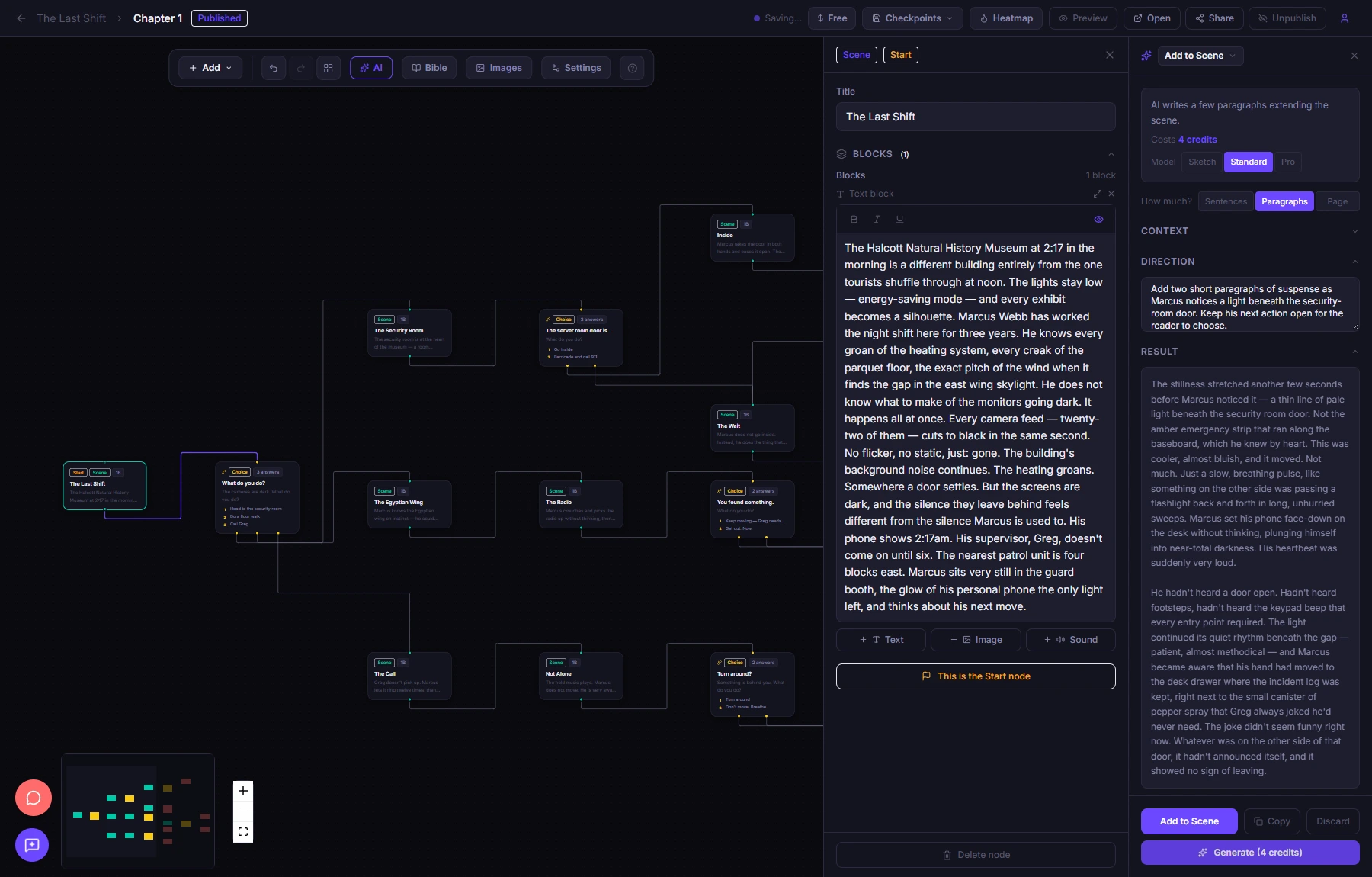
Writing with AI
A co-writer that knows the story
Develop a scene, explore a branch, or suggest choices using the characters, settings, and writing style in your story bible. Review the proposed text before adding it to your story.
Help with chapters and branches
Start from an idea or outline and develop connected scenes. The visual story map shows how choices split into different paths and where those paths meet again.
Review the story as it grows
Chapter analysis checks the structure and uses AI to review logic and prose. Findings link back to the relevant scene, with proposed changes for the author to review.
Create illustrations for a scene
Generate an image from a prompt and the scene’s context, then use it in the story. Text and visual content stay together in the writing tools and media library.
Reading & listening
Reading and hands-free listening
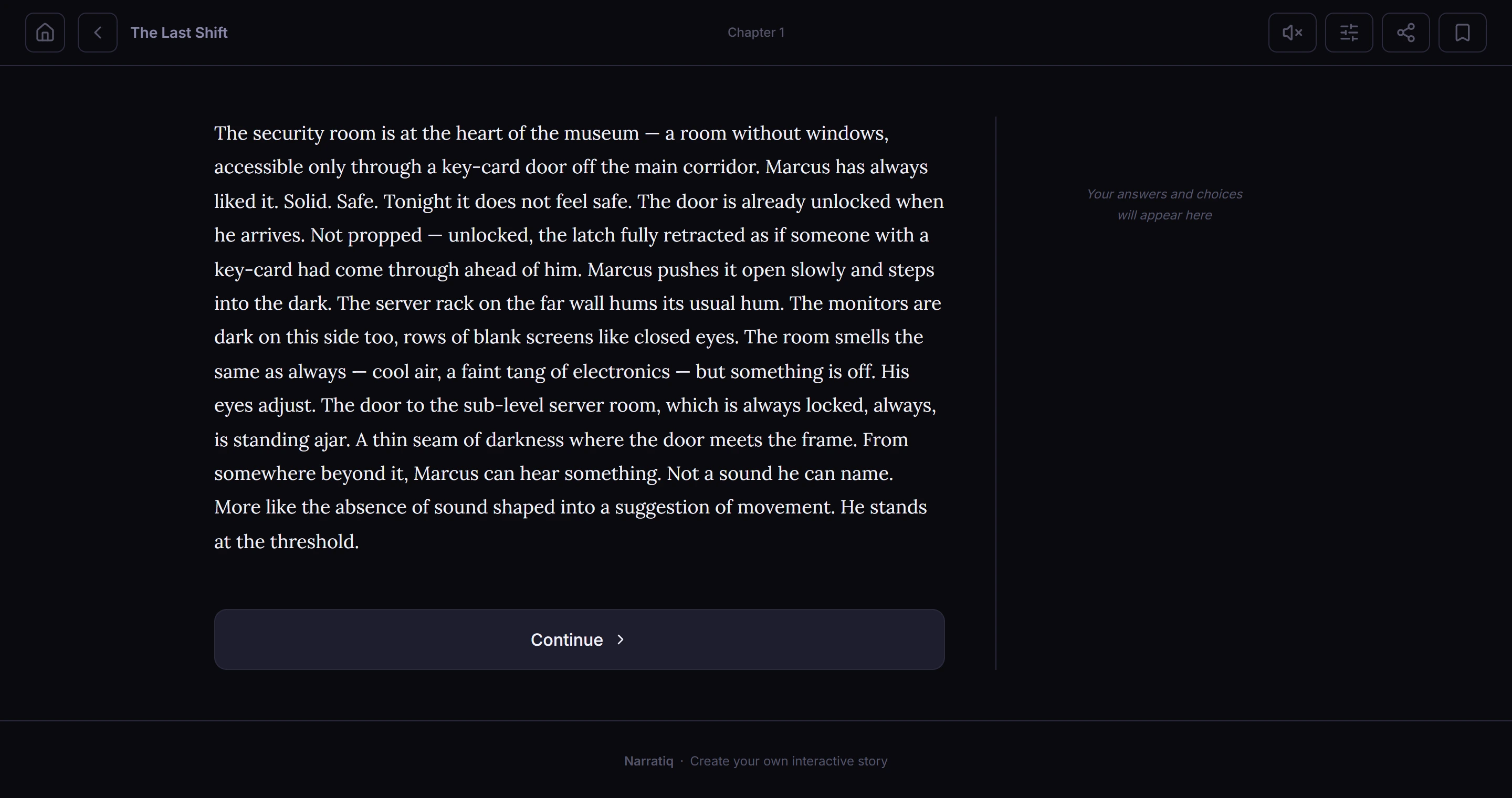
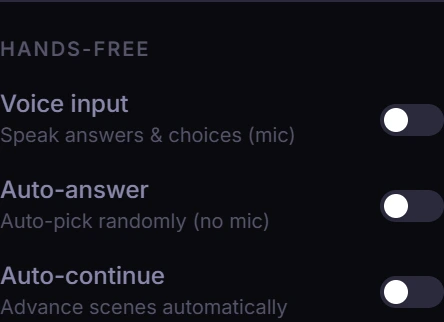
Read at your own pace, or turn on Text-to-speech and listen. Narratiq’s Hands-free settings let you answer questions and make choices by voice. For listening in the car, Auto-answer and Auto-continue can keep the story moving without tapping through each scene.
Hands-free controls
- Text-to-speech
- Hear the story and its choices read aloud. Choose a voice, adjust the speed and volume, or enable On-Device HD for higher-quality voices.
- Voice input
- Speak an answer to a question, or say the number of the choice you want. The story waits for your response.
- Auto-continue
- Move to the next scene when the narration finishes, without pressing Continue. Questions and choices still wait for an answer.
- Auto-answer
- Let Narratiq pick answers and choices at random. Paired with Auto-continue, this lets you listen as the story takes its own path.
Voice input and Auto-answer are separate options: you can make the decisions yourself or let the app choose. Voice availability and speech recognition depend on your browser and device.
Read-along highlighting marks the sentence being spoken. Stories can also include ambient audio and sound effects, with separate volume controls so you can set the balance or turn them off.
Private beta
Help us test Narratiq.
We’re inviting a small group of authors and readers to try Narratiq before launch. Write a story with the AI co-writer, read and listen to published stories, and tell us what works and what doesn’t.
Access is by invite code. Leave your email and we’ll send one when a spot opens.
We’ll only email you about Narratiq testing. Privacy notice